


BooCast™ Projector
BooCast™ Projector
🪟 - Fits any Window or Wall
🎃 - Perfect for Halloween
👻 - FREE Worldwide Shipping
Couldn't load pickup availability

BooCast™ Projector

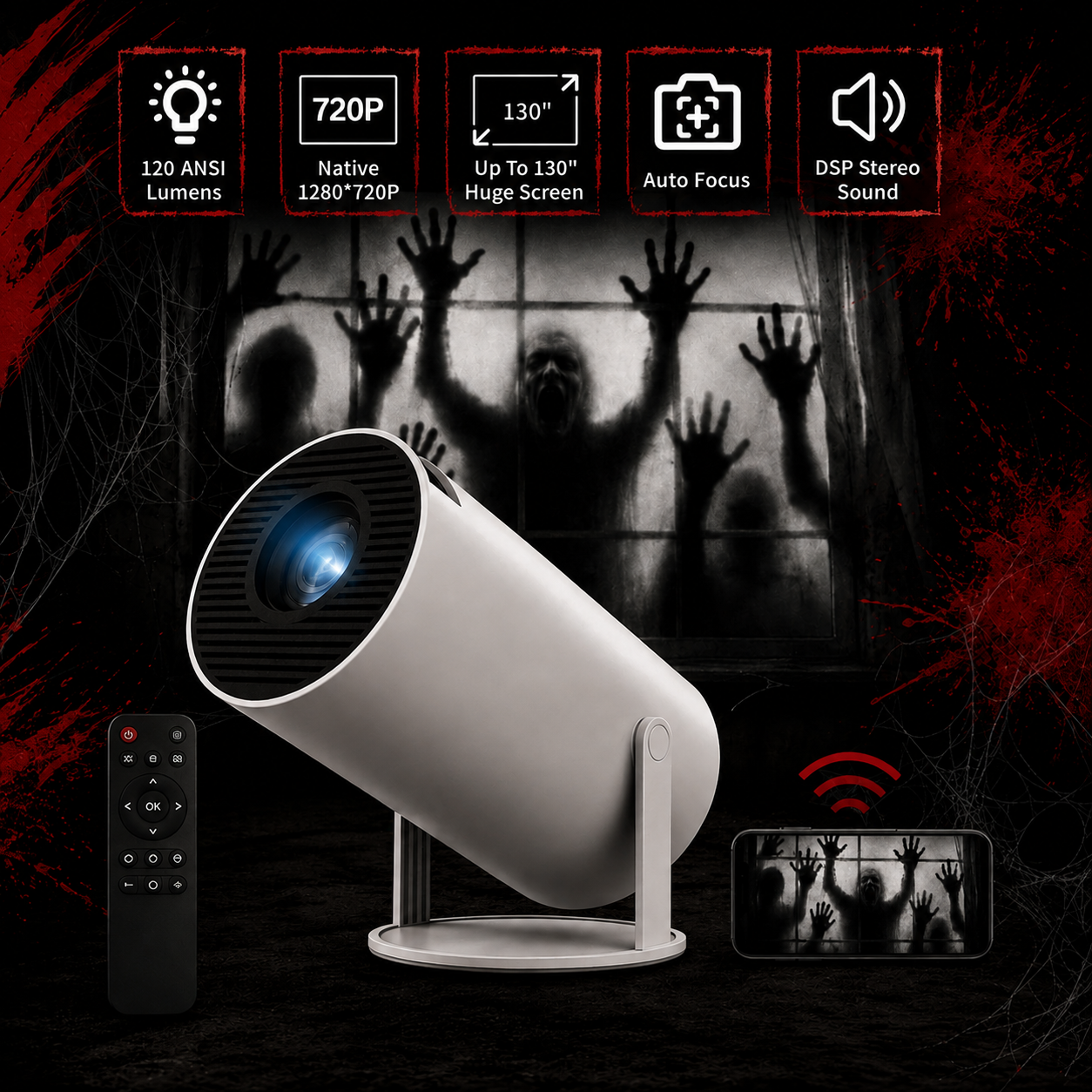

Image with text
Pair text with an image to focus on your chosen product, collection, or blog post. Add details on availability, style, or even provide a review.
What our customers say:
FAQ
How Do I Access a Projection I Want to Display?
How Do I Access a Projection I Want to Display?
Just search "Halloween window projections" or "horror projector loops" on YouTube — there are thousands of free videos ready to go. Connect your phone to the BooCast wirelessly in seconds and cast whatever video you want. No apps, no downloads, no subscriptions needed.
What's Included in the Package?
What's Included in the Package?
Your BooCast comes with the projector, a remote control, a power cable, and a user manual. Everything you need to get set up right out of the box.
Does It Work in Daylight?
Does It Work in Daylight?
BooCast works best after dark — which is exactly when you want it. The darker the environment, the sharper and more realistic the projection looks. For maximum scare factor, wait until sunset and let the BooCast do its thing.
How Big Is the Projection?
How Big Is the Projection?
The BooCast can project up to 130" depending on how far you place it from the surface. For window displays, most people set it 4-6 feet back and get a perfectly sized image that fills the entire window.
Is It Hard to Set Up?
Is It Hard to Set Up?
Not even a little. Unbox it, plug it in, connect your phone wirelessly, press play. Most people are up and running in under 2 minutes. If you can unlock your phone, you can set up your BooCast™.